Patient payments
Fees and private charges
Health, field work & banking · PAX A8900
Pay at reception, not in a queue. At your practice, the A8900 takes consultation fees at the desk, and goes handheld when the waiting room fills.
The terminal
Android SmartPOS
Touchscreen or physical keys, a 40 mm printer for itemised receipts, and wired connections at the desk.
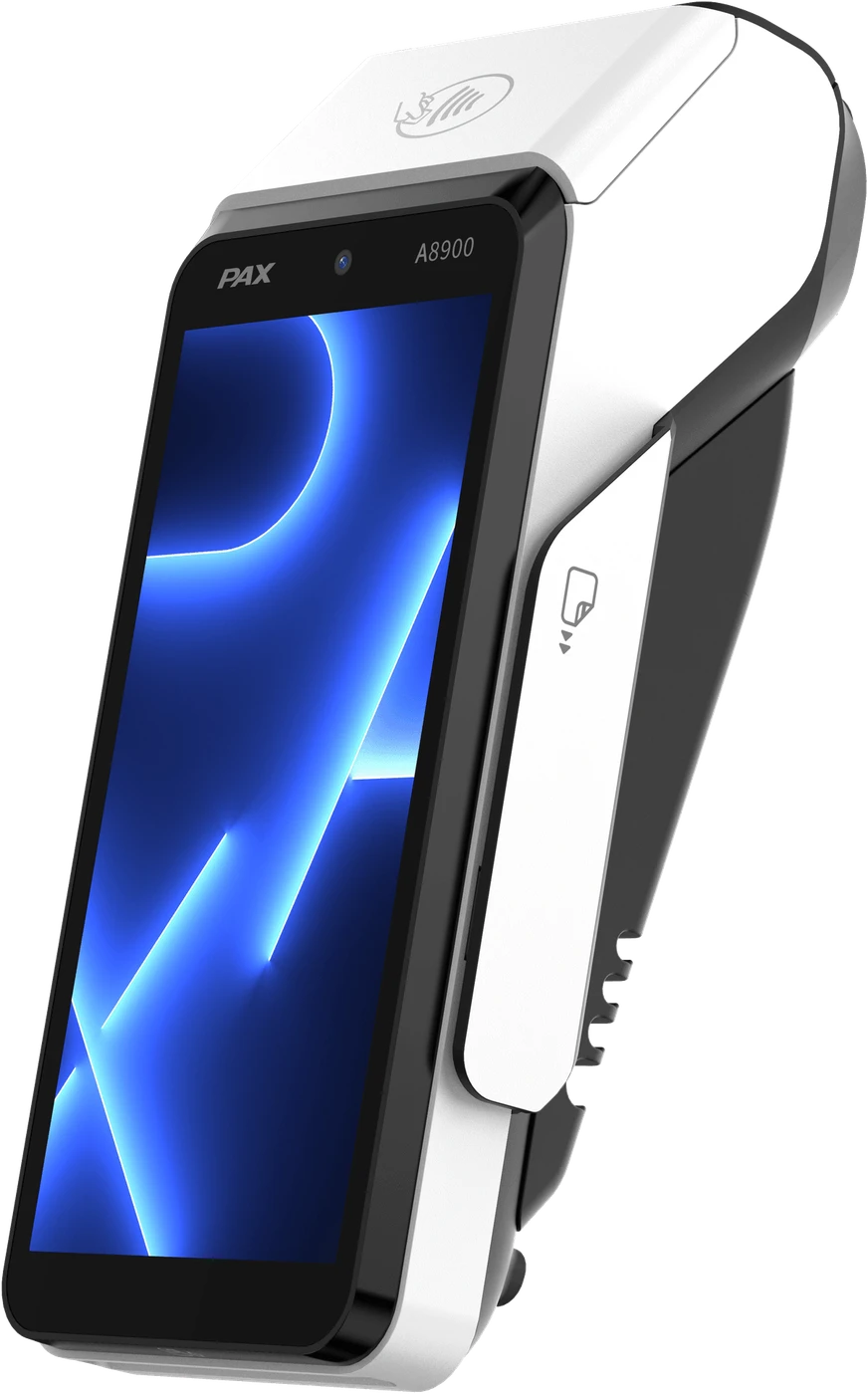
From the PAX A8900 datasheet.
Apps and management · MAXSTORE
MAXSTORE is PAX’s app marketplace and device-management platform. We use it to load the right apps onto every terminal at your practice, then update and support them remotely.
Fees and private charges
Find the booking at payment
Sent by email for claims
Call the next patient
MAXSTORE connects over 17 million PAX terminals worldwide.
How we set it up
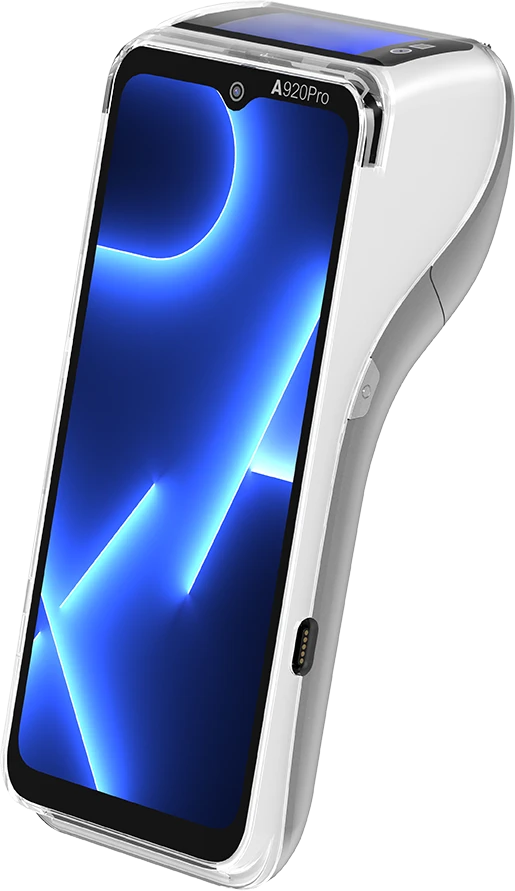
Another option for clinics and practices
A larger screen and an optional customer-facing display, for payments in the consultation room.
FAQ
The PAX A8900 (Android SmartPOS). Touchscreen or physical keys, a 40 mm printer for itemised receipts, and wired connections at the desk.
Yes: the PAX A920 Pro. A larger screen and an optional customer-facing display, for payments in the consultation room.
Patient payments: fees and private charges; Appointments: find the booking at payment; Itemised receipts: sent by email for claims; Queue display: call the next patient. We load and update them remotely through MAXSTORE, PAX’s app marketplace and device-management platform.
Visa, Mastercard, American Express, Multibanco, MB WAY, UnionPay (via certified acquirer). Contactless, chip & PIN, magstripe.
Reception review: desks, rooms and the practice system at your practice. Configured: acquirer and practice-system link set up through MAXSTORE. Quietly supported: updates outside opening hours, help desk when needed.
Next step
Tell us about your sites. A Synergy specialist for clinics and practices will reply with a quote.
Not ready to decide? Ask to see the A8900 working with the apps for clinics and practices first.
Prefer to talk? Call +34 608 72 37 39.