

Terminal finder
Which payment terminal do I need?
To find the terminal you need, answer three questions: who holds the terminal (your staff or the customer alone), where payment happens, and whether you need a printed receipt or a screen. The answer points to one of the six PAX models Synergy supplies.
Three or four questions about how your business takes payment. At the end, the right PAX model and where it is used.
Answer the questions to see the recommendation.
Your terminal
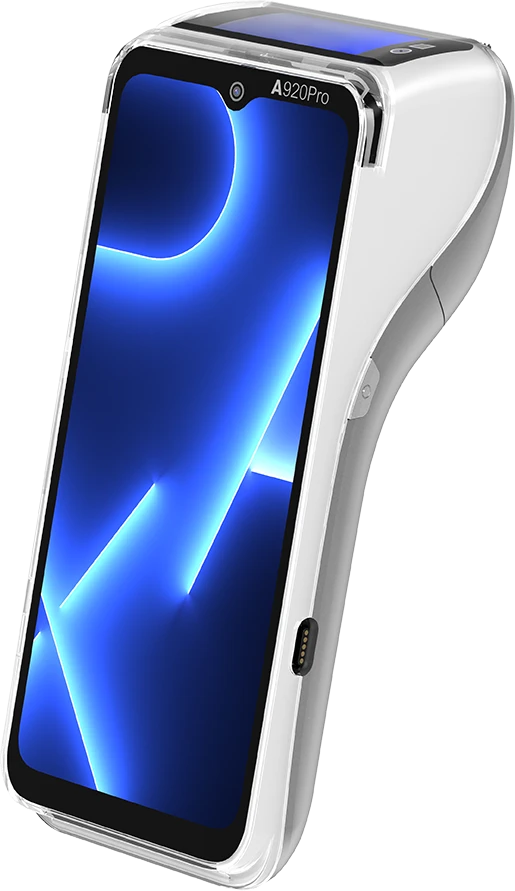
PAX A920 Pro
Android SmartPOS
Portable, with a printer and barcode scanner: take it to the table or the customer’s door and print the receipt there.
Where Synergy recommends it
Your terminal
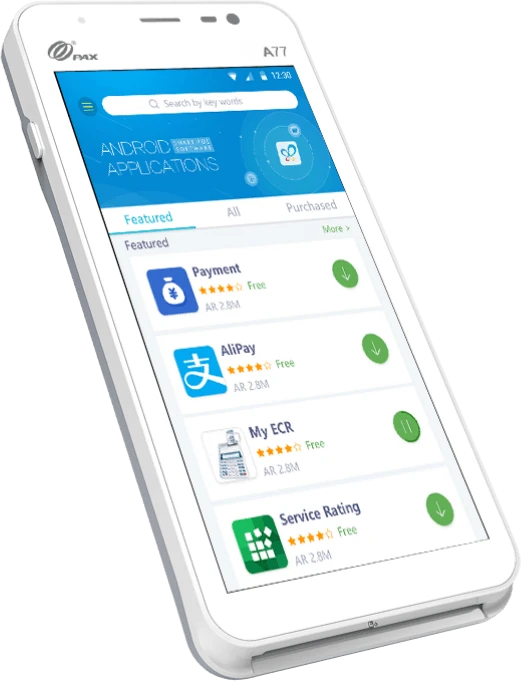
PAX A77
Android MiniPOS
The lightest (270 g) and thinnest: fits a pocket, sends the receipt by SMS or email and takes cards, phones and QR.
Where Synergy recommends it
Your terminal
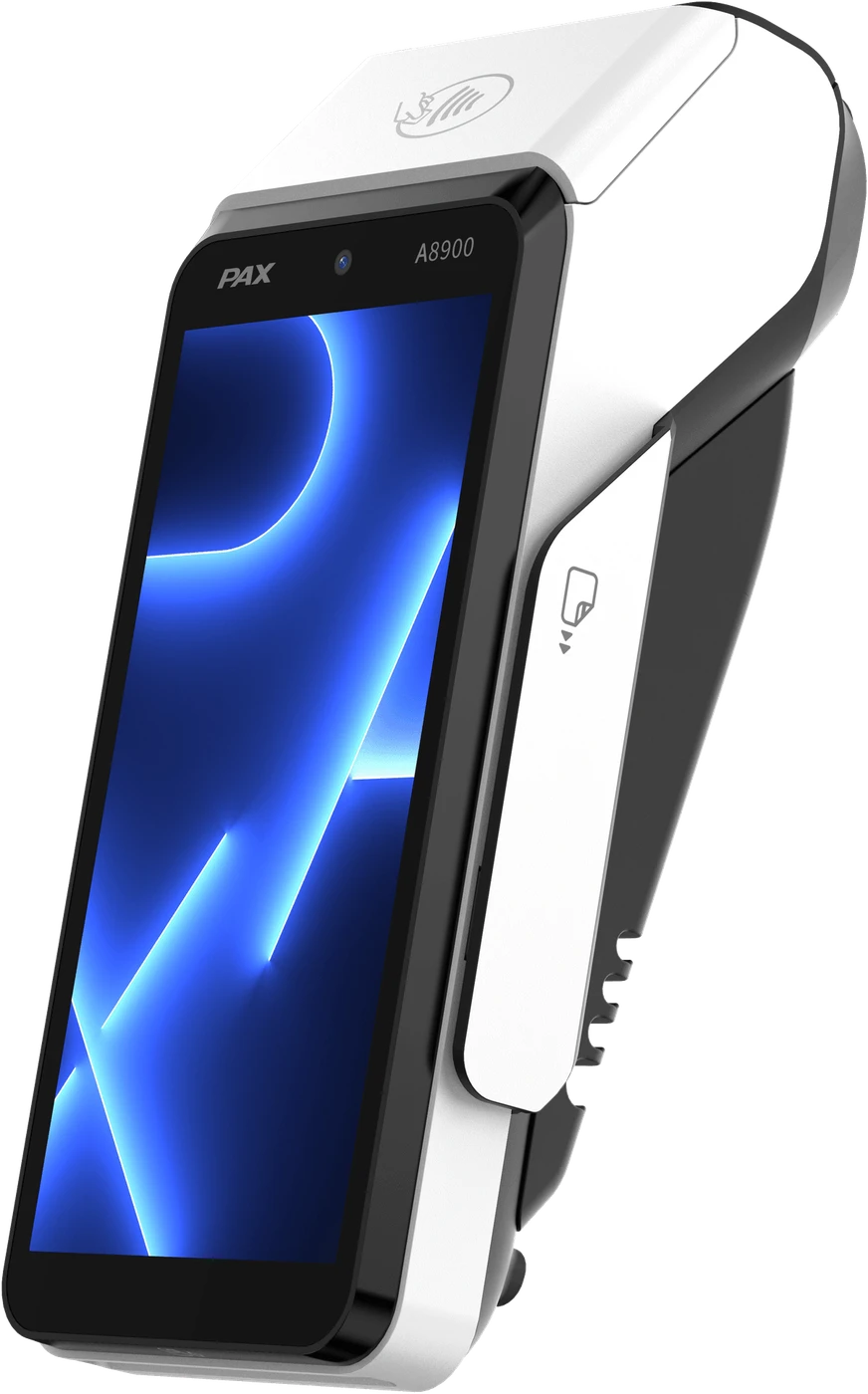
PAX A8900
Android SmartPOS
Built for the counter: 40 mm printer, base with a network (LAN) connection and a physical keypad option.
Where Synergy recommends it
Your terminal
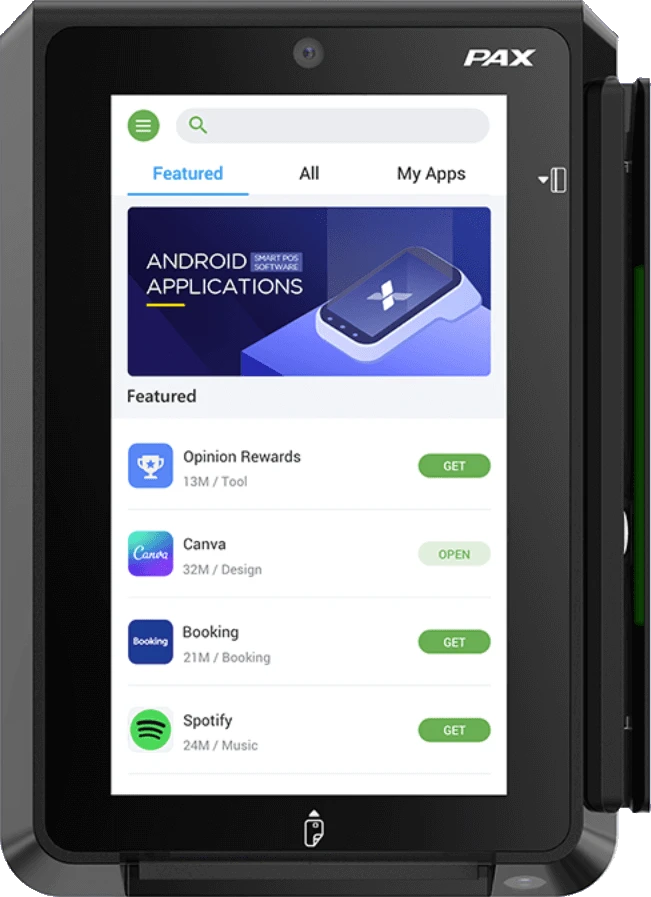
PAX IM30
Android unattended
Android self-service terminal with a 5″ screen, chip and PIN, contactless and QR, built for outdoors (IP65).
Where Synergy recommends it
Your terminal
PAX IM25
Contactless unattended
Compact contactless-only reader (cards, phones, QR), vandal resistant, for machines that already have their own screen.
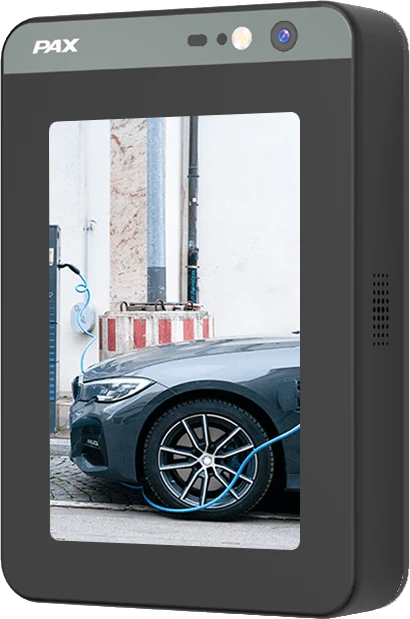
Where Synergy recommends it
Your terminal
PAX SK700 + IM30
Self-Service Kiosks
A 21.5″ kiosk where customers choose and pay on their own; it takes payment through an IM30 mounted at its side.
FAQ
Frequently asked questions
Does the finder replace a site visit?
No. It points to the most likely model. Synergy confirms the choice with your real setup, especially on self-service machines, where the machine’s controller has to be checked.
What if my business takes payment at a counter and at a machine?
Run the finder twice, once for each payment point. Combining a staffed terminal and a self-service one in the same business is common.